
Home / Google review stand
A Google review stand for desks you would rather not stick to.
Pair the Google Review Plate with the clear acrylic Connect Stand and you get a freestanding NFC and QR review stand. It angles towards the customer, leaves no adhesive behind and moves wherever you need it. Plate from $39, stand $6.99.
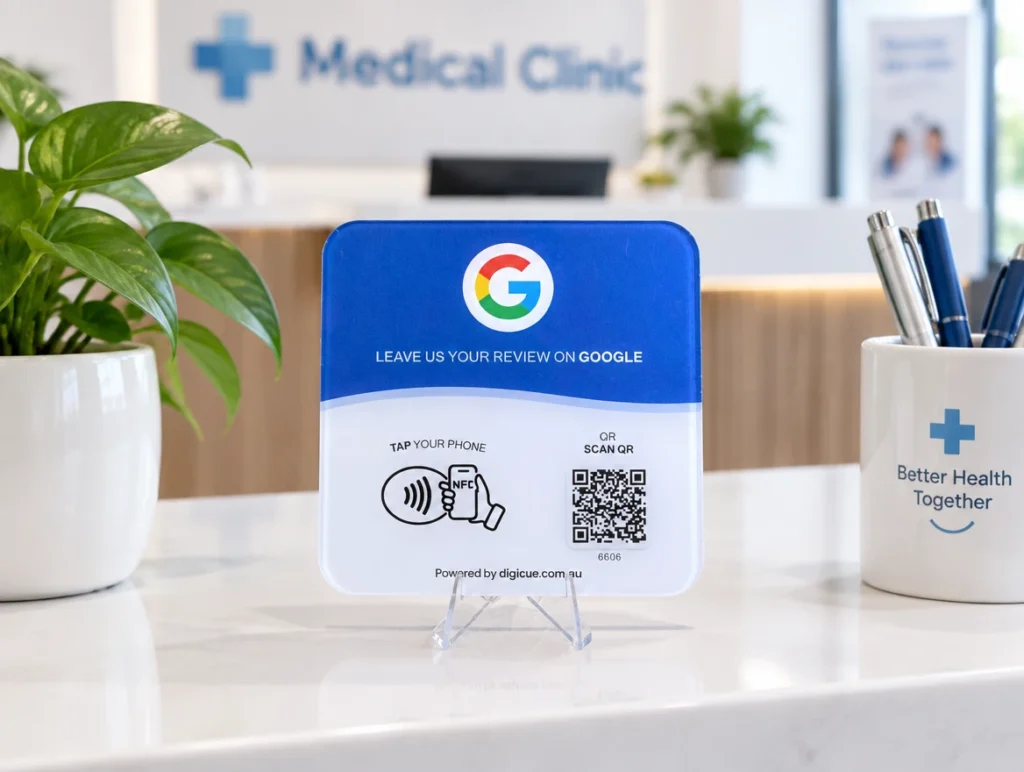
Build your review stand in two parts.
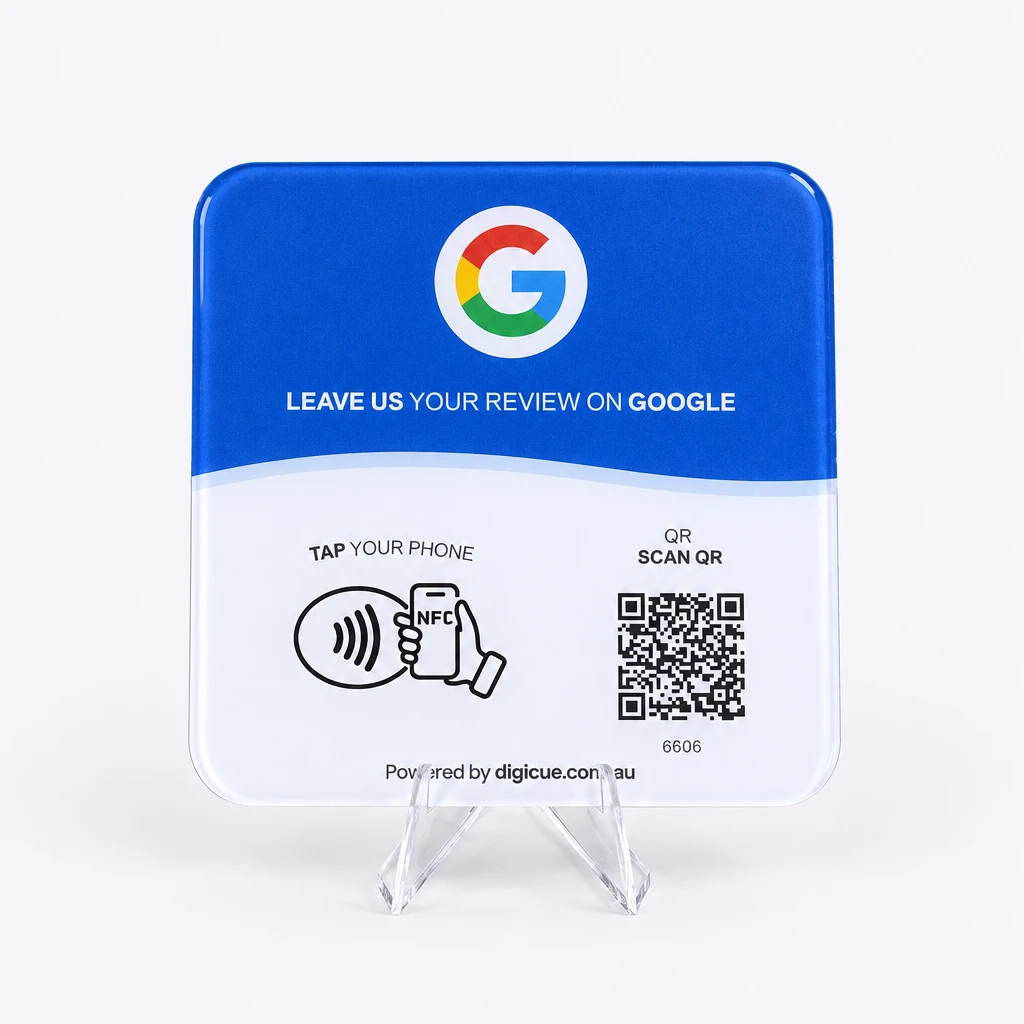
Google Review Plate + QR
The 100 x 100 mm NFC and QR plate that opens your Google review form. Packs of 1, 3 or 5.

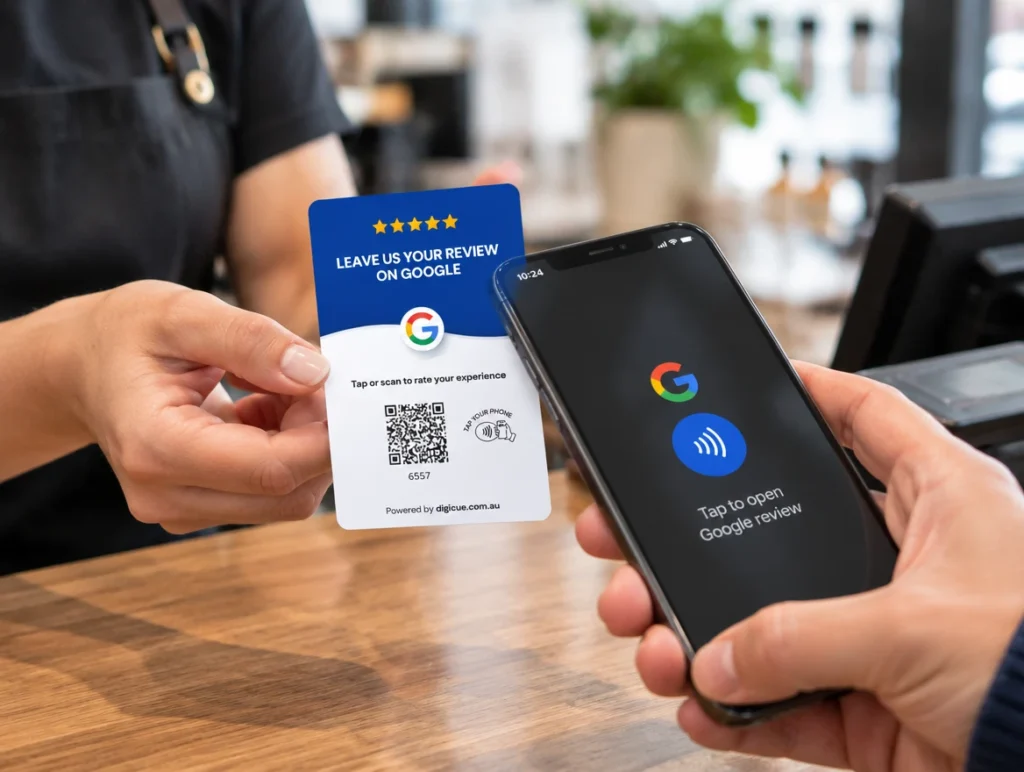
Google Review Card + QR
For tables and staff on the move. The stand holds plates only.
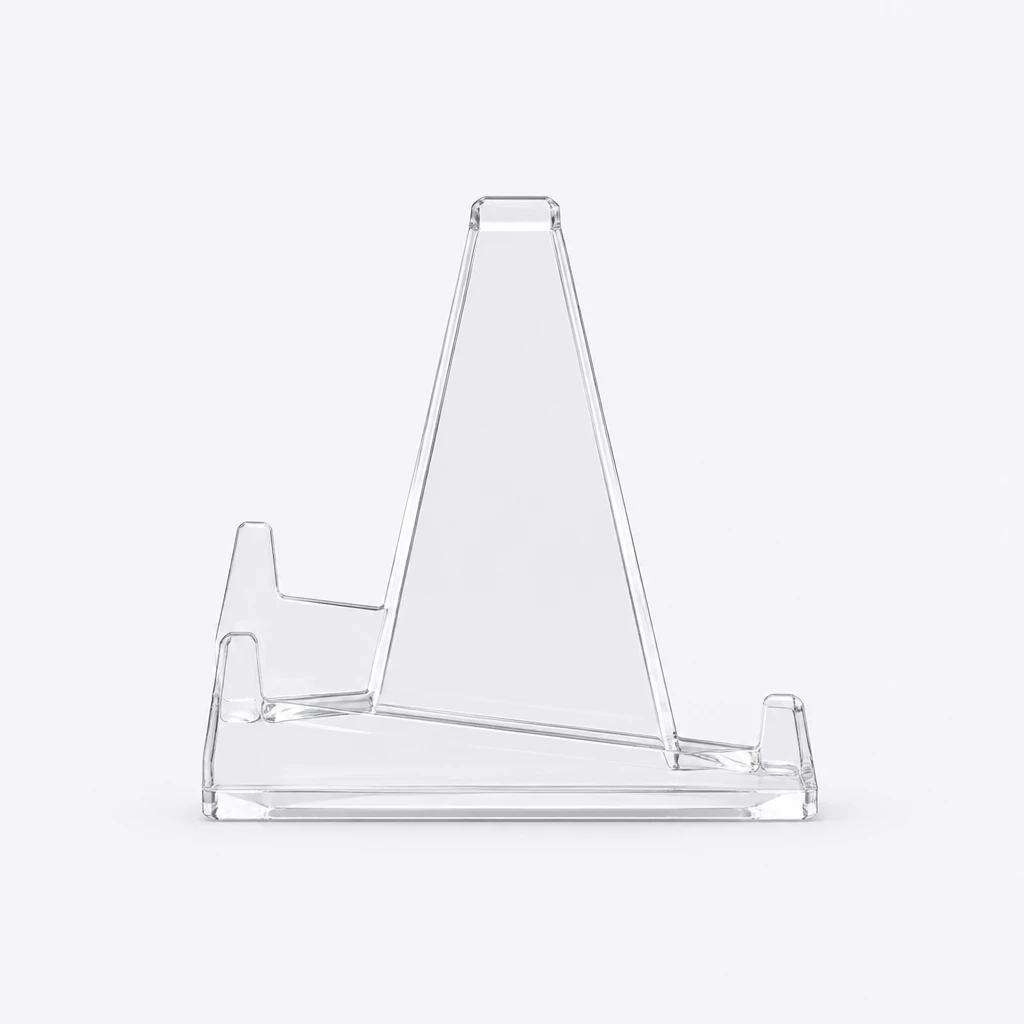
Connect Stand
A clear acrylic easel that holds one plate upright and angled towards the customer.
Why a stand
Not every counter can take a sticker.
A shared reception desk, a polished timber counter, a hired venue or a market stall that packs down every night: some surfaces are not yours to stick things to. A review stand keeps your Google review form in front of customers without leaving a mark.
- No adhesive: nothing left on the counter when you move or pack up
- Angled to the customer: the tap icon and QR code face the person paying
- Portable: move it between counters, take it to events, pack it with the stall kit
How it works
Set it on the desk, activate it, start collecting.
One Connect Stand holds one Google Review Plate. Order one of each for every desk or counter you want covered.
Log in to your customer portal at tap.digicue.com.au, enter the code on the plate and add your Google review link.
Tap the plate and scan the QR code yourself. Your Google review form should open straight away.
Free analytics in your Tap dashboard show NFC and QR activity, so you can see which counter gets used.
Compare
Review stand or stuck-down plate?
| Plate + Connect Stand | Plate stuck down | |
|---|---|---|
| Best for | Shared desks, events, markets, hired venues | A permanent spot on your own counter |
| Leaves a mark? | No | Adhesive strip |
| Can you move it? | Yes, any time | Not easily |
| Stand size | Clear acrylic, 55 mm high, 53 mm deep, 40 mm wide | No stand |
| Price | $45.99 ($39 plate + $6.99 stand) | $39 |
The stand holds the Google Review Plate and the Connect Plate. It does not hold the card.
Asking well
Where to put your stand
Put it where customers finish: next to the EFTPOS terminal, on the check-in desk, at the pick-up table or on the market stall counter. Facing the customer, not the staff side.
Moving between venues? Activate the plate once and it keeps working wherever the stand goes. You can change the review link in the portal any time. Comparing formats? Read our Google review plate vs stand vs card guide.
- Keep the ask optional and after the interaction
- No incentives or gated reviews
- No Digicue app required. Customers need to be signed in to Google to post a review.
Review stand FAQ
Will it work with my customers’ phones?
Yes. NFC tap works with iPhone XR and newer and virtually all Android phones. Any phone with a camera can scan the printed QR code instead.
Do my customers need an app?
No. There is no app for your customers and none for you. They tap or scan, and your Google review form opens in their browser.
What size is the stand?
Clear acrylic, 55 mm high, 53 mm deep, 40 mm wide. It is small enough to sit beside a payment terminal.
Which products does the stand hold?
The Google Review Plate and the Connect Plate. It holds plates only, not the Google Review Card.
Do I still use the adhesive strip?
No. The plate sits in the stand, so nothing is stuck to your counter. Keep the strip if you later want to mount the plate permanently.
Can I order stands in bulk?
Yes. Add as many as you need at checkout. For more than 30 at once, get in touch and we will arrange a larger order.
Does it push a five-star rating?
No. It opens Google’s standard review form. Customers choose their own rating and their own words.
Is there a monthly fee?
No. You buy it once and use it for years, with free tap and scan analytics included. No subscription and no per-review charges.
Put a review stand on your desk this week.
Order a plate and a Connect Stand, activate it online in about five minutes and start collecting reviews. Free shipping over $50.