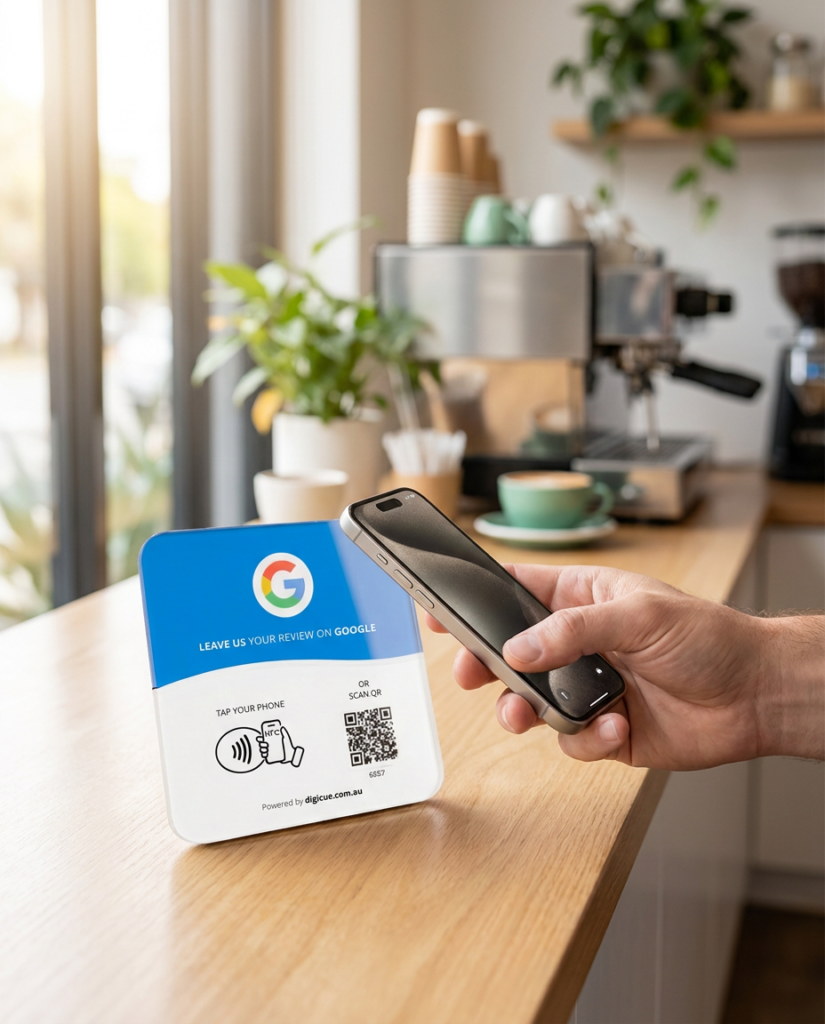
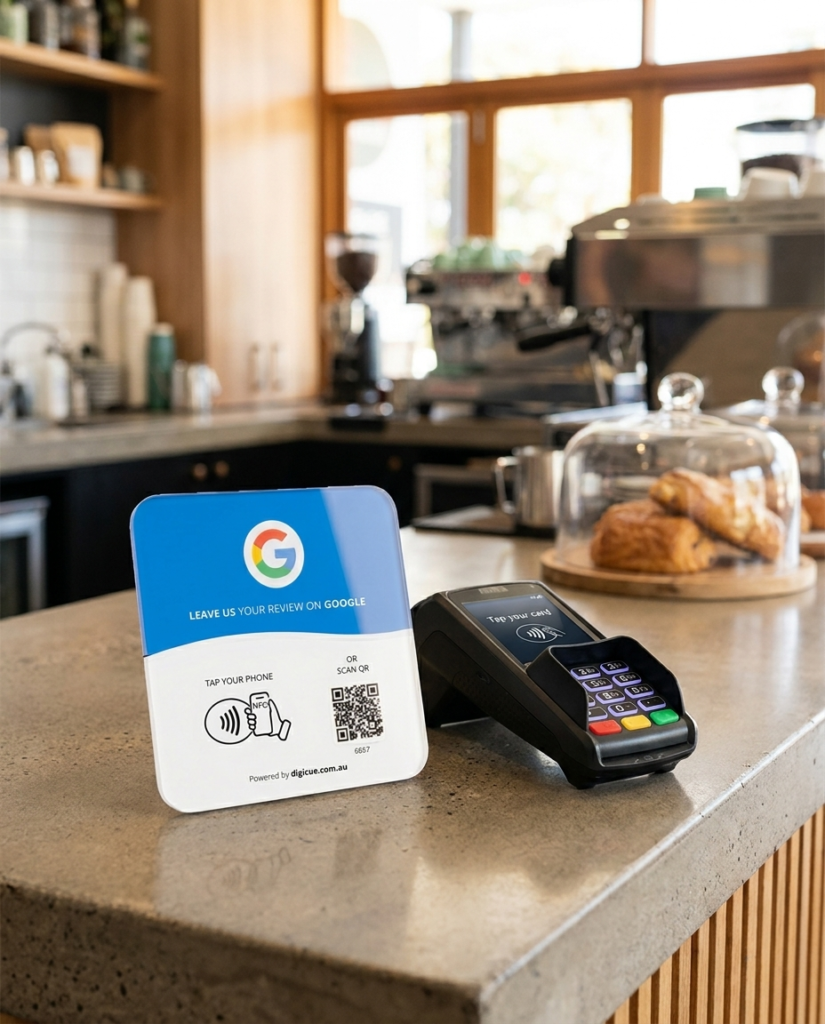
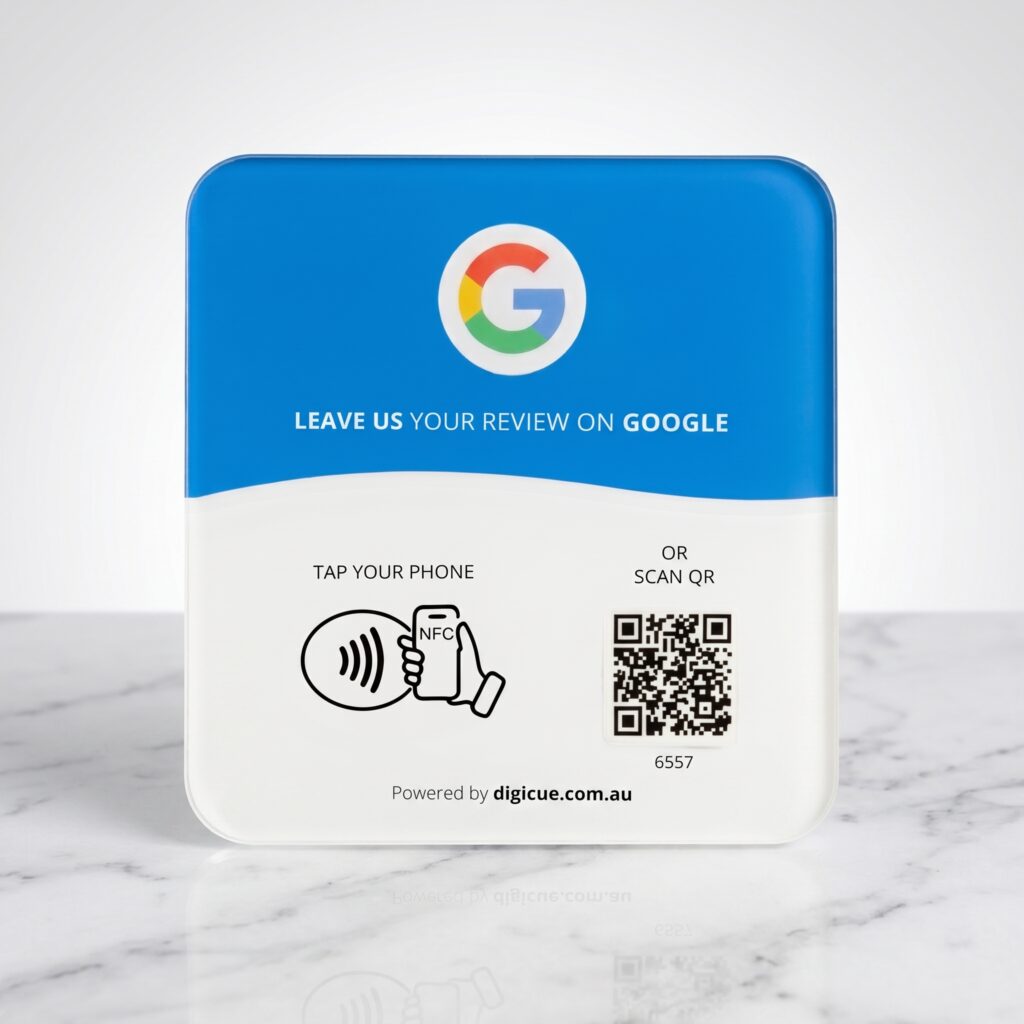
Review products open one destination: your business’s Google review form. Customers choose their own rating and words. Nothing is suggested or pre-selected.
A staff line that works: “If you’d like to leave us a Google review, you can tap or scan the plate.” Say it once, then move on.
The plate does the asking. Customers who want to share their experience can; nobody is pressed, and no rating is suggested or pre-selected.
Keep the ask optional and after the interaction
No incentives or gated reviews
No Digicue app required. Customers need to be signed in to Google to post a review.
Review questions
Does it push a five-star rating?
No. It opens Google’s standard review form. Customers choose their own rating and words.
Do I need to send Digicue my review link?
No. You add it yourself in the Customer Portal during activation, and you can change it any time.
Does a tap count as a review?
No. Activity shows that the plate was tapped or scanned. A tap or scan does not confirm that a review was posted.
Which phones work?
Works with most recent iPhones and Android phones that read NFC. Every plate and card also carries a printed QR code, so a phone camera works as the fallback. The phone needs an internet connection to open the link.
Choose a plate
Packs of 1, 3 and 5. Same-day dispatch from Melbourne.