Home / Digicue Connect
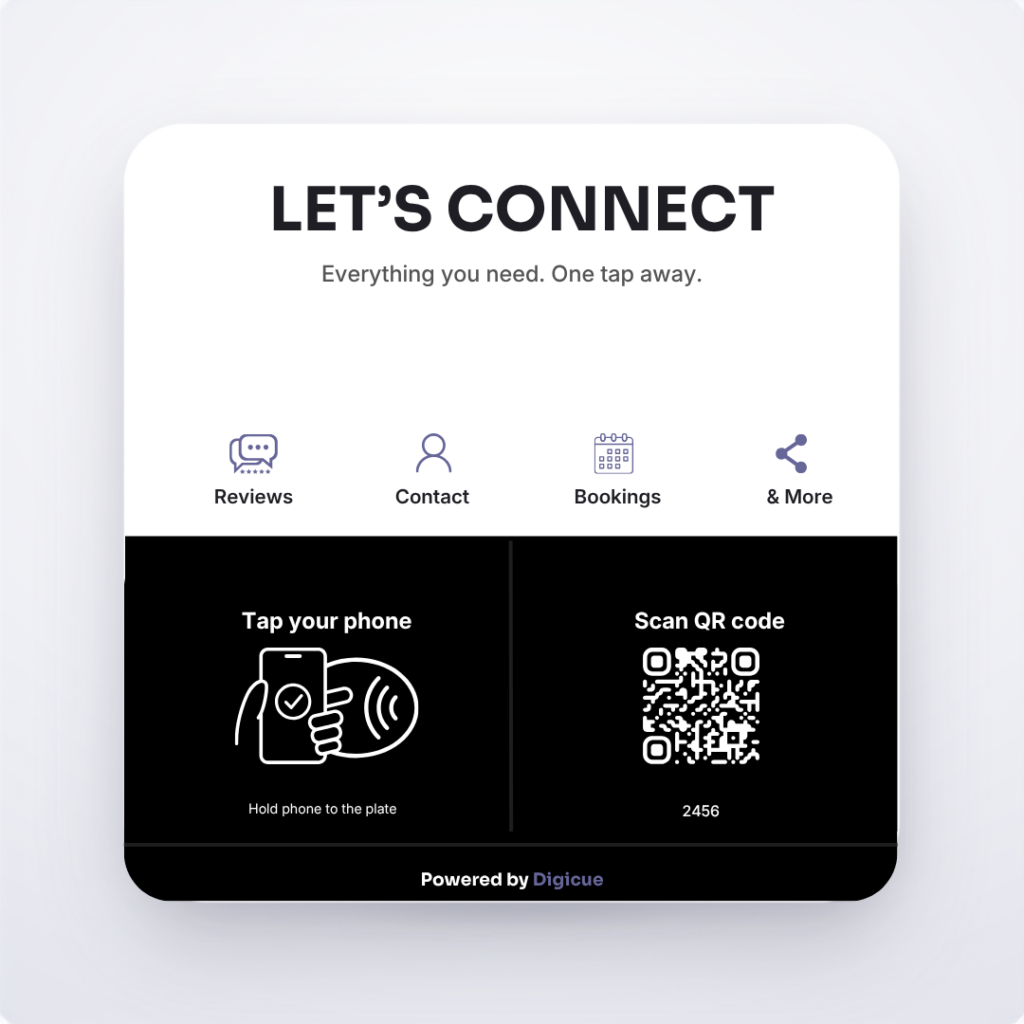
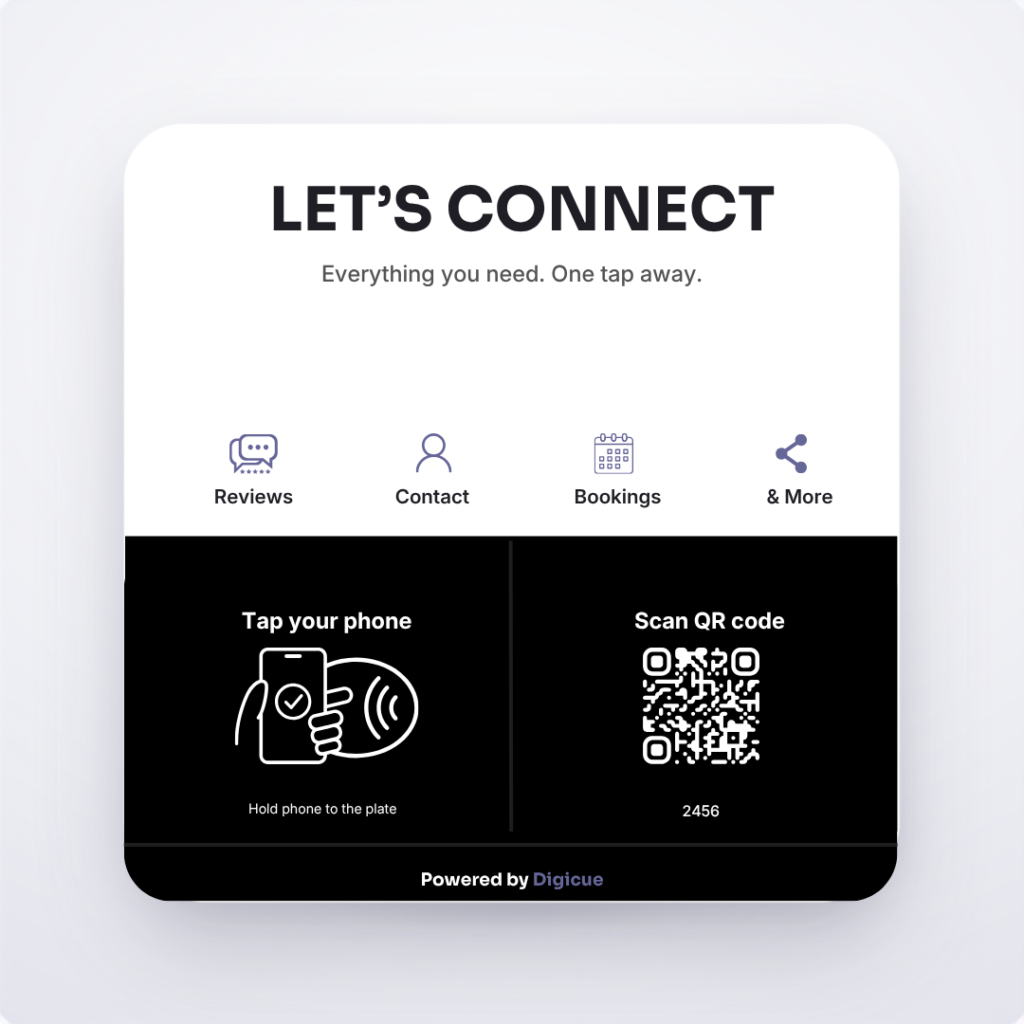
Connect products open your Connect Hub: one page with the links you choose, such as bookings, your menu, contact details or social profiles. A tap or scan opens it.
Same tap and scan hardware as the review products, pointed at your Hub instead of a Google form.
Customers tap or scan to open your Connect Hub, a page with the business links you choose to show.
A card-sized Connect product that opens your Connect Hub.
You configure the Hub in the Customer Portal after activating the product.
Your business name and a short line about what you do.
Add the links you want to show. Reorder or remove them any time.
Several Connect units can open the same Hub, or different Hubs for different locations.
The review plate opens one destination, your Google review form. A Connect product opens your Hub, a page you control with several links.
Yes, add your Google review link as one of the Hub links.
No. The Hub opens in the phone’s browser.
It is a pre-launch product. Leave your email on its page for one message at launch.