Digicue Scan

NFC and QR review products, made in Australia

Make it easier for happy customers to leave a review.

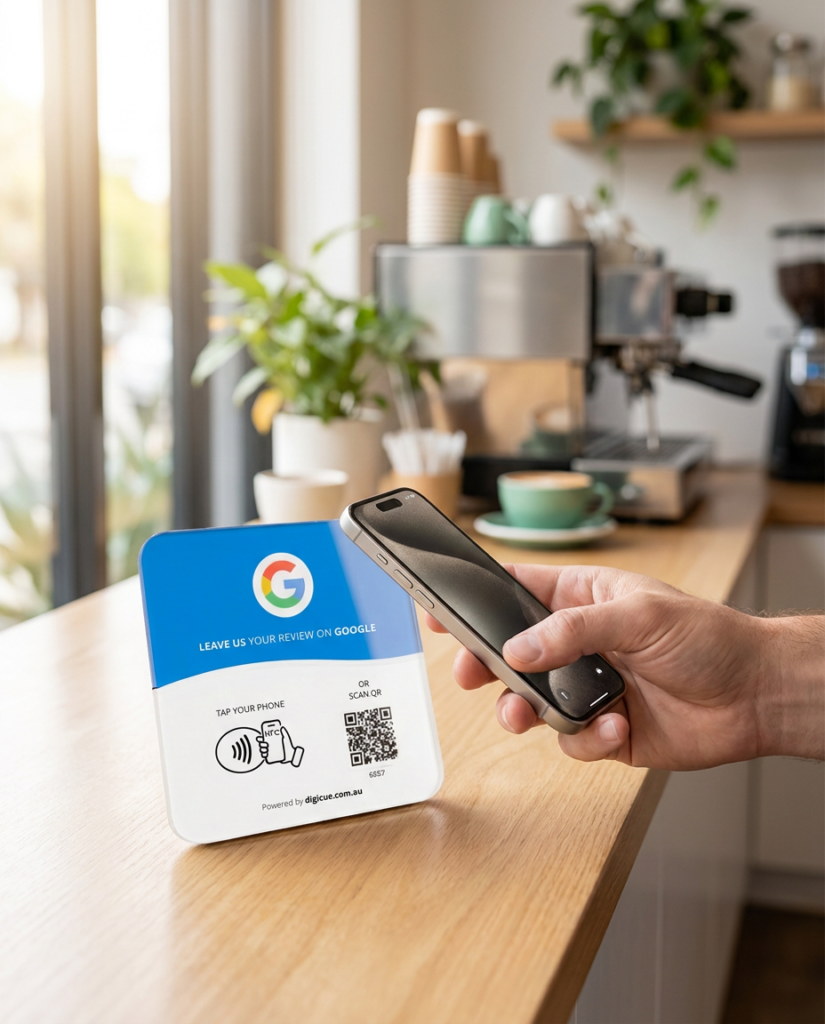
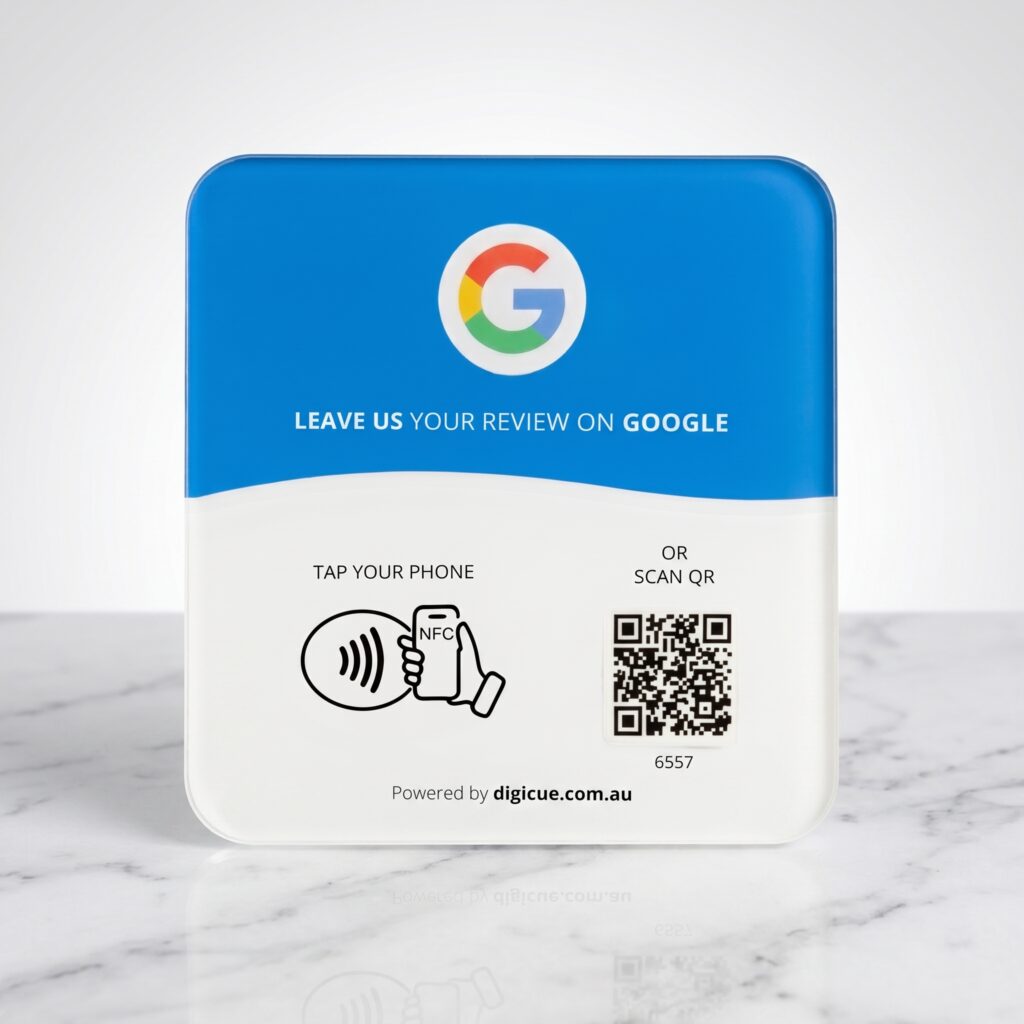
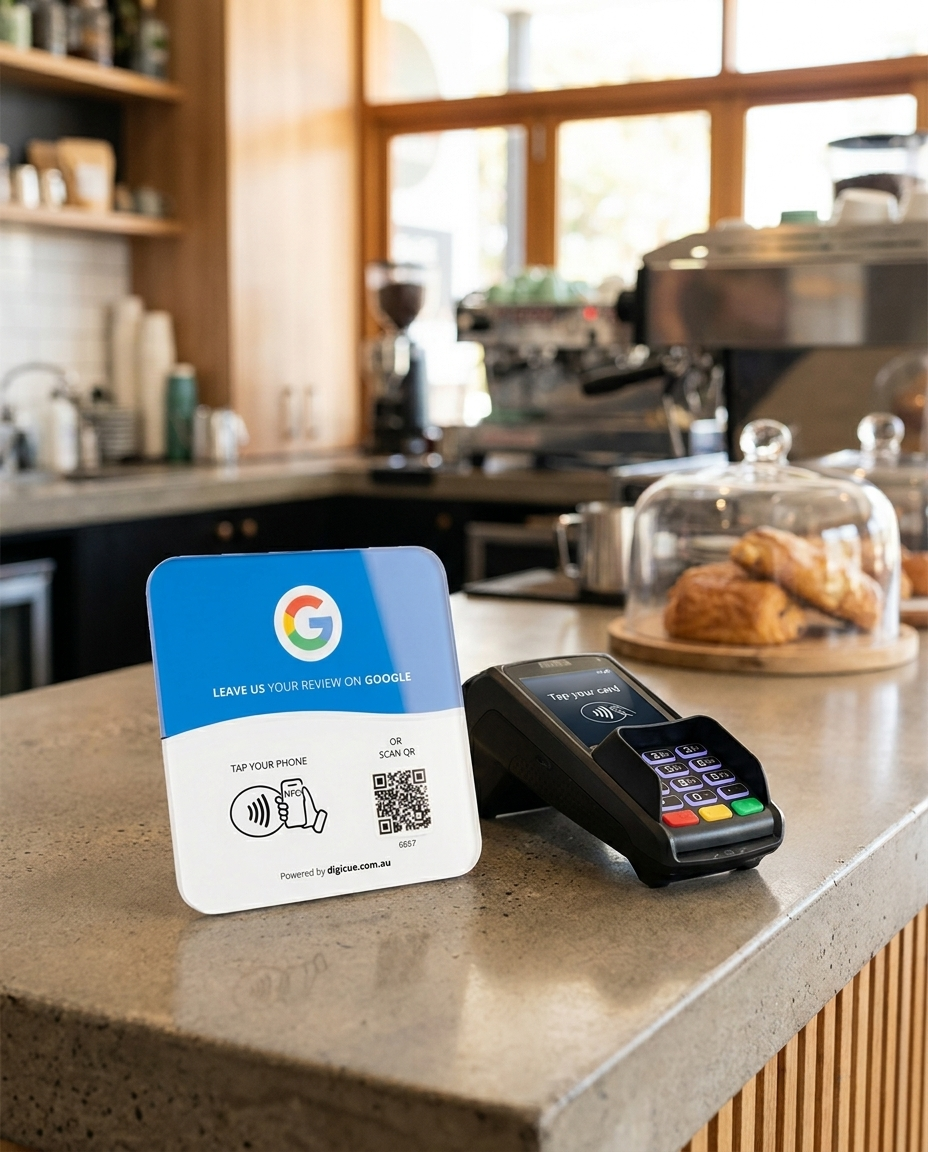
A plate on the counter. Customers hold their phone to it, or scan the code, and your review form opens. Nothing to download, nothing pre-selected.

5 min
to activate
Same day
dispatch from Melbourne
$0
shipping over $50

Free shipping over $50

Sent from Melbourne, tracked

Australian owned

Support in your timezone

No app needed

Works on iPhone and Android

12 month warranty

Plus 30 day returns

Setup

Delivery to first tap in about five minutes.

Activation happens in the Customer Portal at tap.digicue.com.au. Every plate in a pack activates on its own.

01

Order

Choose your product and pack. Orders placed before the daily cut-off are dispatched from Melbourne the same business day.

02

Receive

Each plate arrives with an adhesive mounting strip, its activation code printed on the plate, and a quick start card.

03

Activate

Tap or scan the plate. The Customer Portal at tap.digicue.com.au opens. Confirm the activation code, sign in or create an owner account, and add the destination customers will open. Allow about five minutes.

04

Place

Test it with your own phone, then put it where customers can easily see and reach it.

Where it works

Made for the counters where customers say thanks

The plate lives where the thank-you happens: beside the EFTPOS machine, on the reception desk, at the register.

✓  Cafés, restaurants and takeaways

✓  Salons, barbers and beauty

✓  Clinics, physio and allied health

✓  Retail counters and trades

Asking by hand

×  The ask feels awkward, and customers forget later

×  Finding your business on Google takes effort

×  The goodwill moment passes by the evening

With the plate

✓  The invitation sits on the counter, no ask needed

✓  One tap or scan opens your review page directly

✓  Done in under a minute, goodwill intact

The system behind it

More than a plate. A simple system behind every tap.

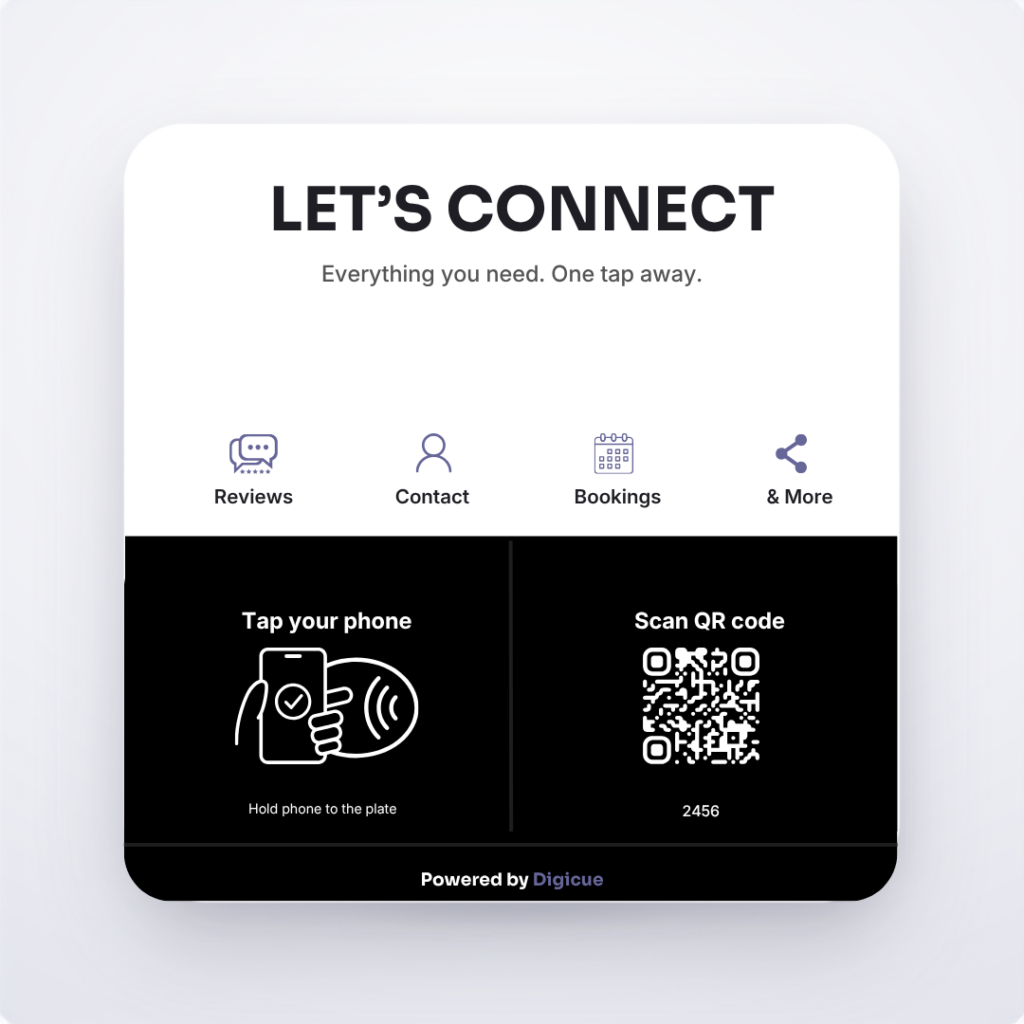
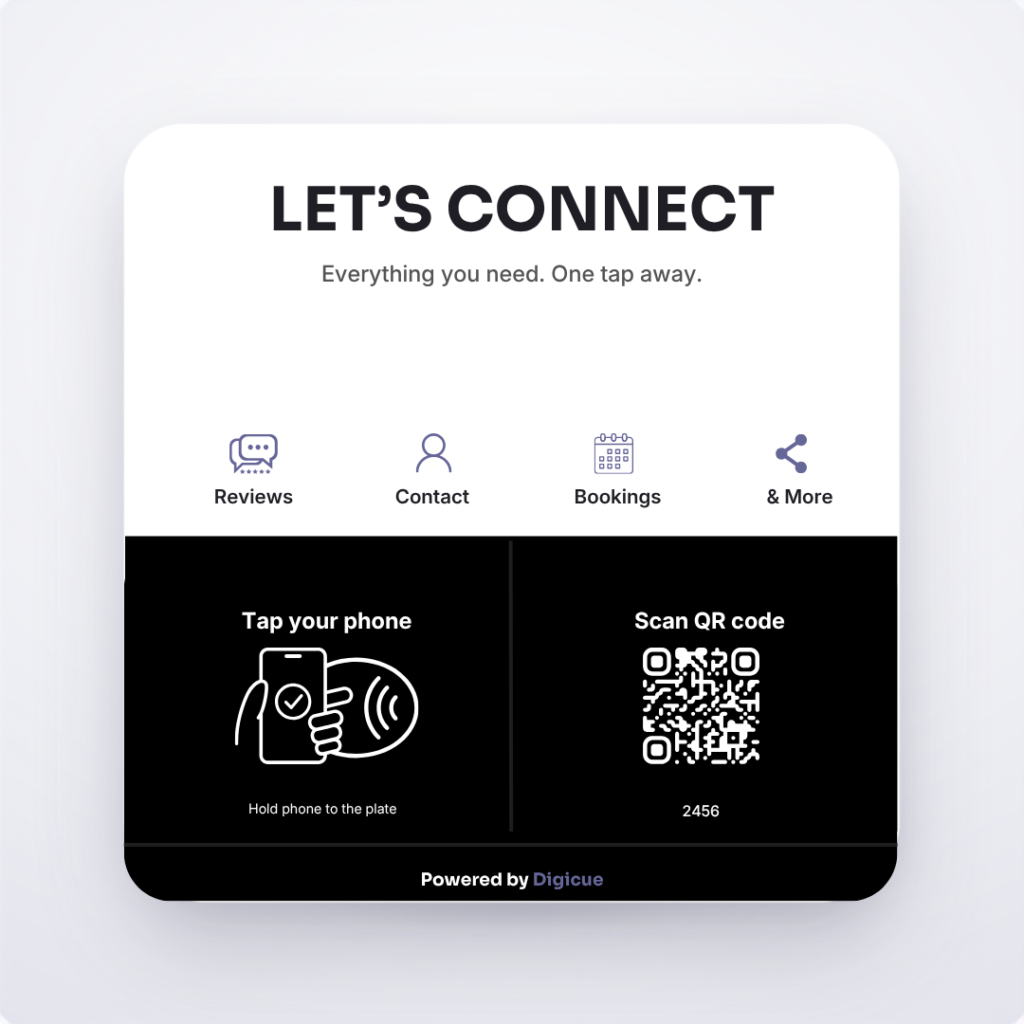
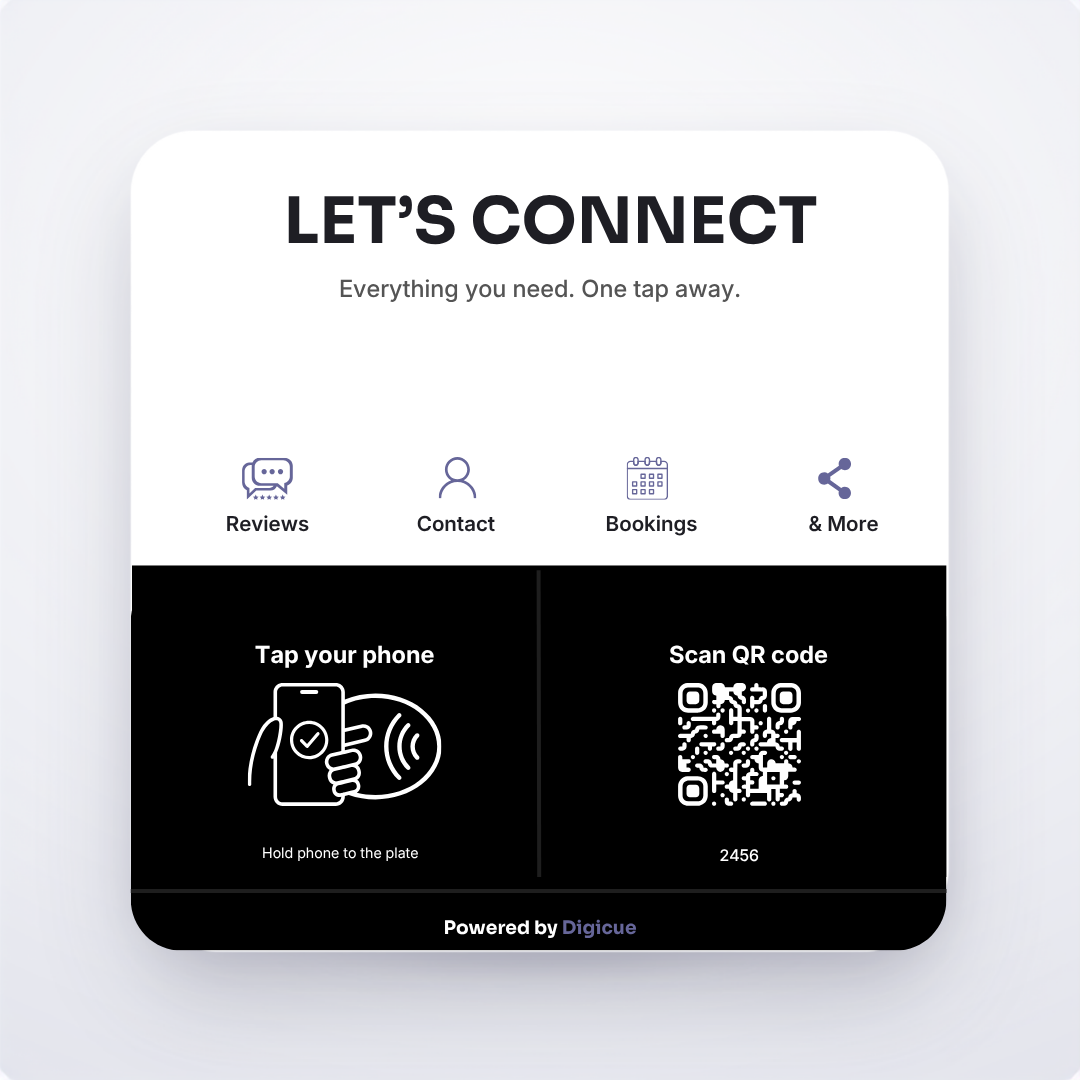
Every Digicue product is activated and managed on the Customer Portal. Step up to Digicue Connect when you want one tap to open bookings, menus, socials and more.

✓  Activate your product through the Customer Portal

✓  Add or update your business details any time

✓  Track tap and scan activity

✓  Manage your Connect Hub links

✓  Update links without reprinting anything

✓  Use Connect for bookings, contact, socials and more

Front tillLast 30 days
0Taps and scans0NFC taps0QR scans
NFC tapsQR scansExample data

Included analytics

See every tap and scan, by plate and by location.

Eligible products include tap and scan analytics in the Customer Portal. Activity shows interactions with your plate; a tap does not confirm a review was posted.

Where it goes to work

The plate sits where the conversation already happens, at the point your customer is happiest.

Cafes

Beside the till, tapped while the coffee is still warm.

Salons

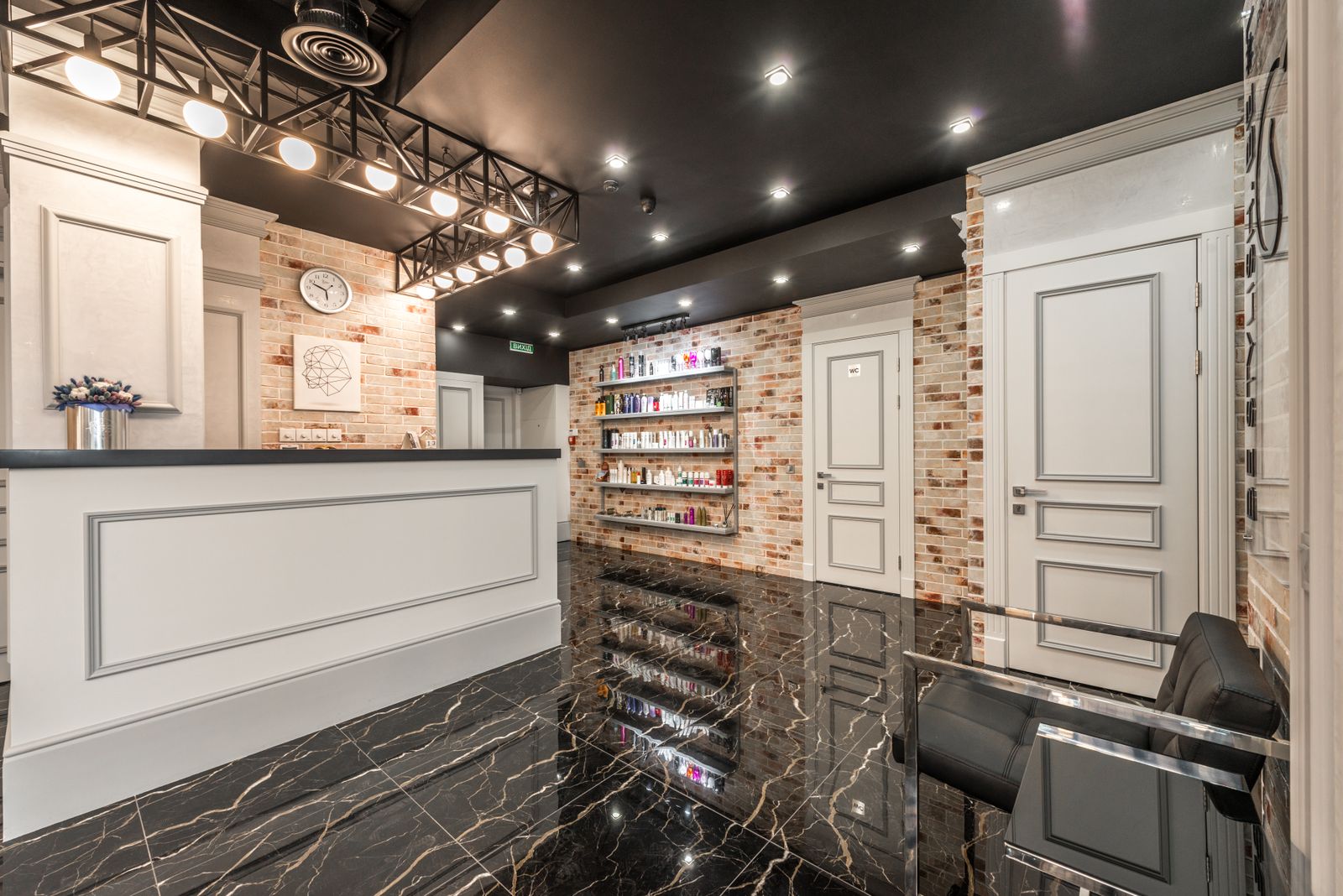
At the reception desk during checkout and rebooking.

Trades

On the clipboard or the ute dash, handed over at sign off.

Retail Stores

On the front counter, tapped after an appointment.

Ordering for a business or several locations?

Bulk pricing, custom branded plates and multi-location rollouts, quoted within one business day.

Common questions

How long does setup take?

Allow about five minutes for the first plate. Extra plates in a pack are quicker because your account already exists.

No. You add it yourself in the Customer Portal during activation, and you can change it any time.

Works with most recent iPhones and Android phones that read NFC. Every plate and card also carries a printed QR code, so a phone camera works as the fallback. The phone needs an internet connection to open the link.

Each plate is its own unit. Assign each to a business location in the portal and activity is grouped by location.

Put one on the counter this week.

Packs of 1, 3 and 5. Same-day dispatch from Melbourne. Free shipping over $50.