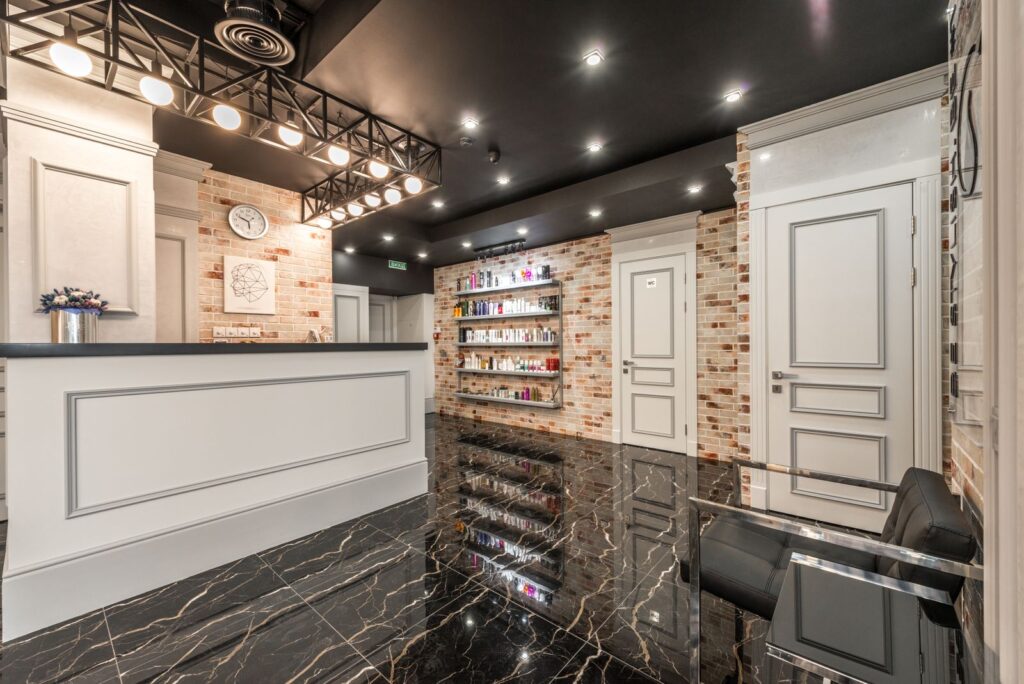
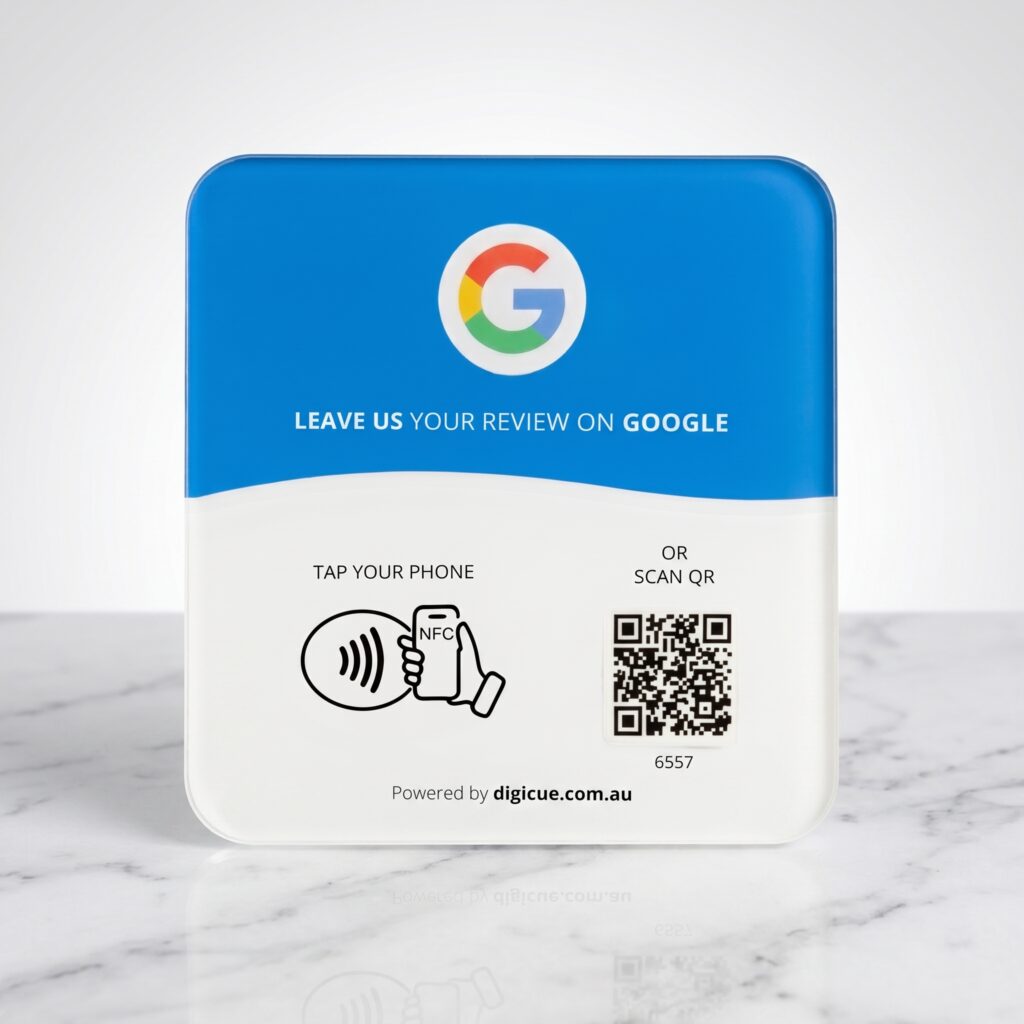
Clients leave after a considered service and a conversation with the person who did the work. Reception is where that ends, and where the plate belongs.
Two or three spots that suit this setting. Pick the one where customers naturally pause.
01
Reception desk
Place it where clients pay and rebook, angled towards the client side of the desk.
02
Rebooking station
If rebooking happens at a tablet or separate counter, a second plate there catches clients who pay first.
A neutral invitation
Try: “You’re welcome to tap the plate if you’d like to leave a review.” Avoid tying it to how the client feels about the cut; the plate opens the form, the client decides.
The plate does the asking. Customers who want to share their experience can; nobody is pressed, and no rating is suggested or pre-selected.
Keep the ask optional and after the interaction
No incentives or gated reviews
No Digicue app required. Customers need to be signed in to Google to post a review.
Choose your product and pack. Orders placed before the daily cut-off are dispatched from Melbourne the same business day.
02
Receive
Each plate arrives with an adhesive mounting strip, its activation code printed on the plate, and a quick start card.
03
Activate
Tap or scan the plate. The Customer Portal at tap.digicue.com.au opens. Confirm the activation code, sign in or create an owner account, and add the destination customers will open. Allow about five minutes.
04
Place
Test it with your own phone, then put it where customers can easily see and reach it.
Questions from this industry
Should each stylist have a plate?
A plate opens one destination, your business’s Google review form. Reviews are left for the business, so one plate per desk is enough; extra plates help with multiple pay points.
Can I change the link if we move or rebrand?
Yes. Update the destination in the Customer Portal; the plate stays the same.
Does it push a five-star rating?
No. It opens Google’s standard review form. Customers choose their own rating and words.
Ready to set one up?
Choose a pack, activate it when it arrives, place it where customers finish up.