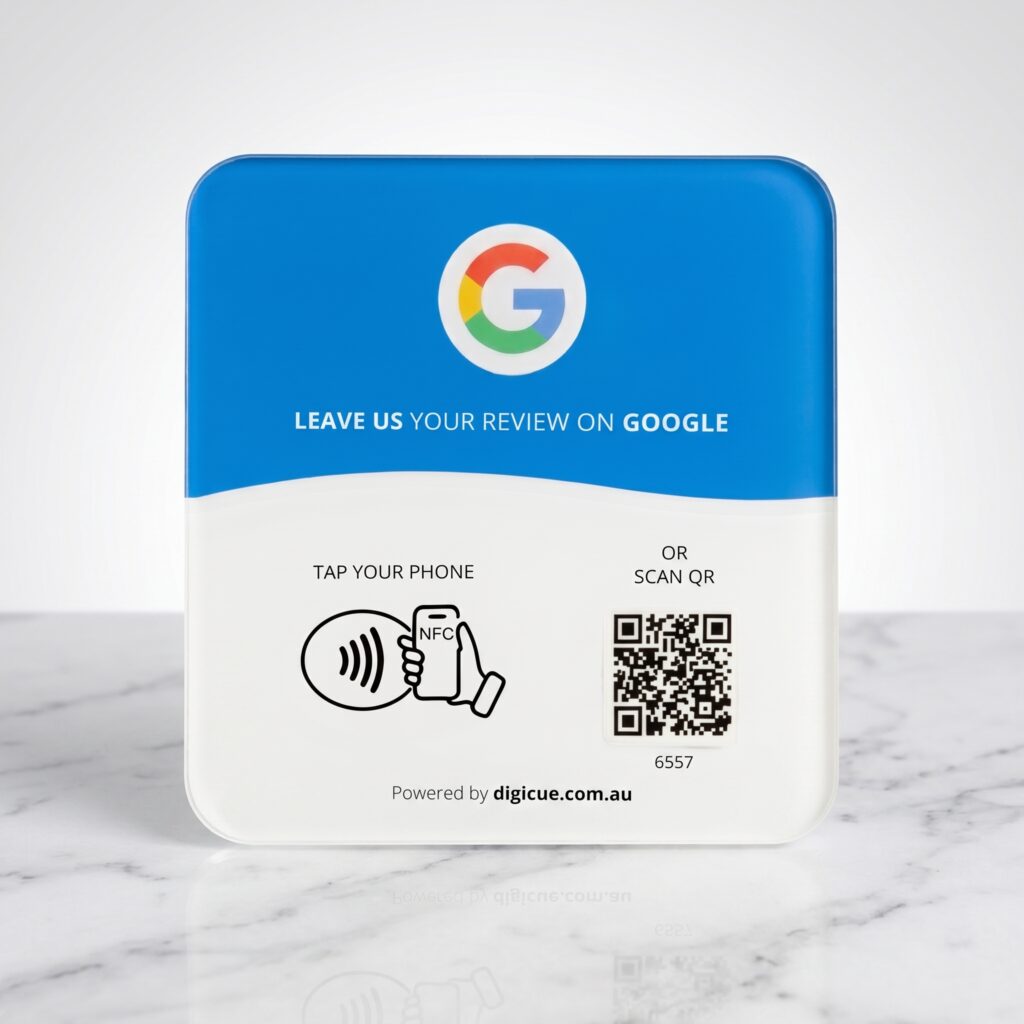
Office reception and the end of a completed service, a settlement, a lease signing, a completed sale, are the moments where clients are ready to talk about the experience.
Choose your product and pack. Orders placed before the daily cut-off are dispatched from Melbourne the same business day.
02
Receive
Each plate arrives with an adhesive mounting strip, its activation code printed on the plate, and a quick start card.
03
Activate
Tap or scan the plate. The Customer Portal at tap.digicue.com.au opens. Confirm the activation code, sign in or create an owner account, and add the destination customers will open. Allow about five minutes.
04
Place
Test it with your own phone, then put it where customers can easily see and reach it.
Questions from this industry
Can each agent have their own?
Plates open your business’s Google review form. Agents can each have a plate, and each shows as its own unit in the portal, but reviews are for the business profile.
Can I move a plate between offices?
Yes. Peel it carefully, re-mount it with a new adhesive strip, and reassign its location in the Customer Portal.
Do I need to reprogram anything?
No. The destination lives in the portal, not on the plate.
Ready to set one up?
Choose a pack, activate it when it arrives, place it where customers finish up.