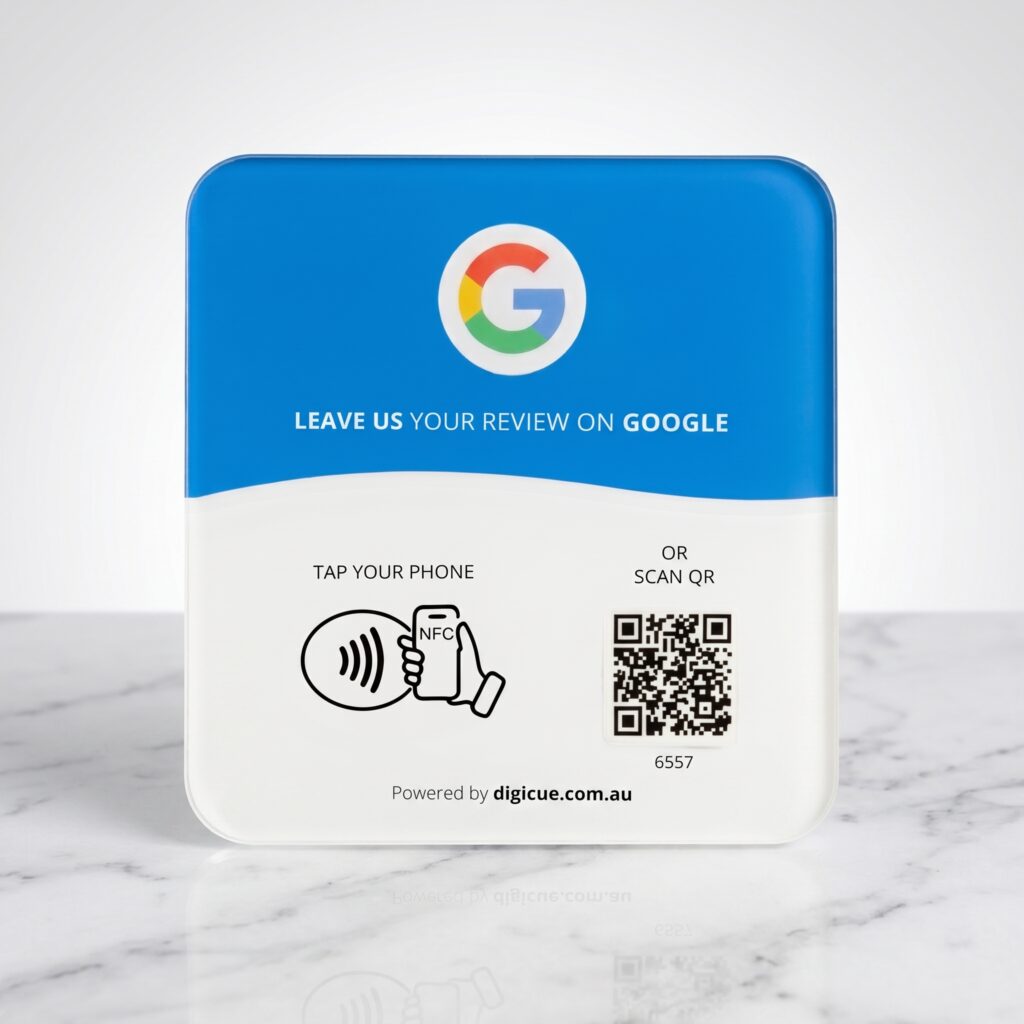
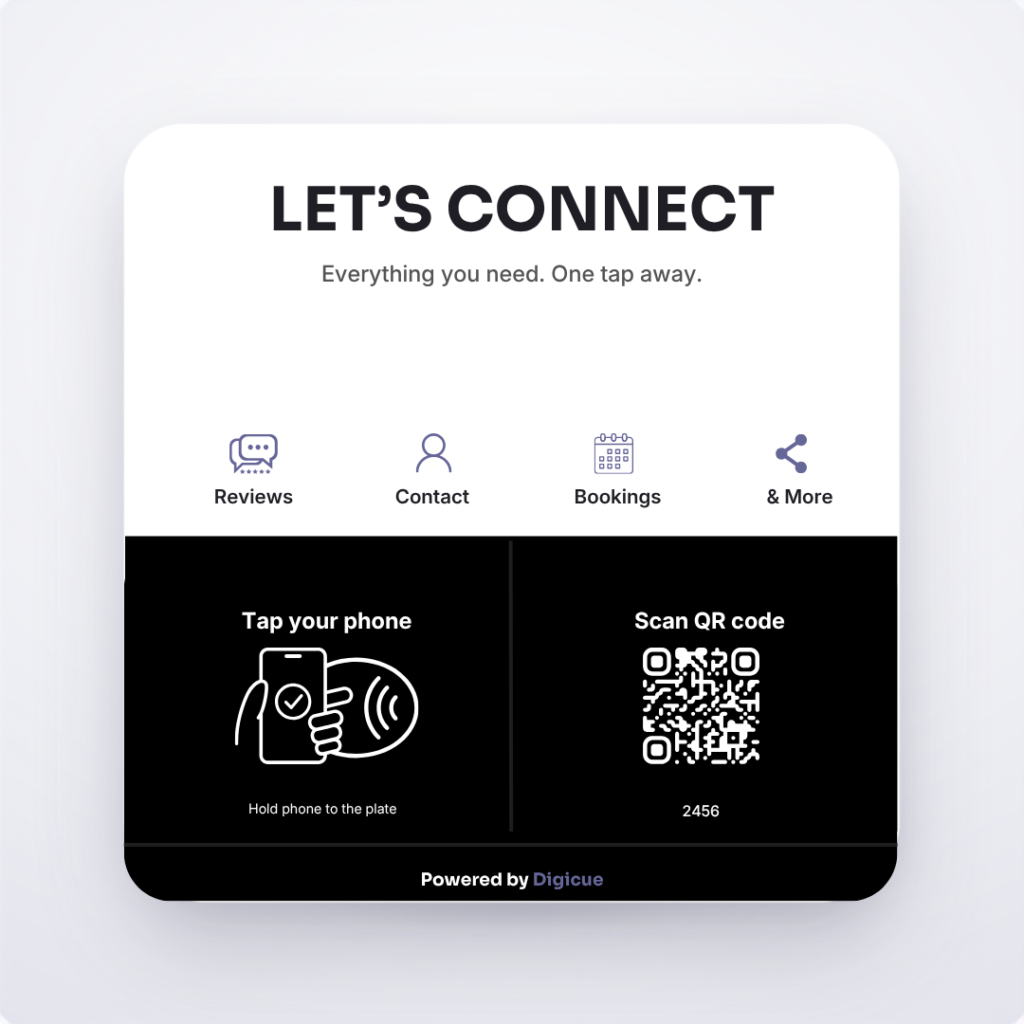
Same plate, different destination. A tap or scan opens a page with the links you choose: bookings, menu, contact details, socials. You edit it in the Customer Portal any time.
Choose your product and pack. Orders placed before the daily cut-off are dispatched from Melbourne the same business day.
02
Receive
Each plate arrives with an adhesive mounting strip, its activation code printed on the plate, and a quick start card.
03
Activate
Tap or scan the plate. The Customer Portal at tap.digicue.com.au opens. Confirm the activation code, sign in or create an owner account, and add the destination customers will open. Allow about five minutes.
04
Place
Test it with your own phone, then put it where customers can easily see and reach it.
Connect questions
How is this different from the Google Review Plate?
The review plate opens one destination, your Google review form. A Connect product opens your Hub, a page you control with several links.
Can a Connect product open my review form too?
Yes, add your Google review link as one of the Hub links.
Do customers need an app?
No. The Hub opens in the phone’s browser.
Which phones work?
Works with most recent iPhones and Android phones that read NFC. Every plate and card also carries a printed QR code, so a phone camera works as the fallback. The phone needs an internet connection to open the link.